Quick start
- Connect a Google account in the extension or with
gdrivesync auth login. - Link or import a Google file.
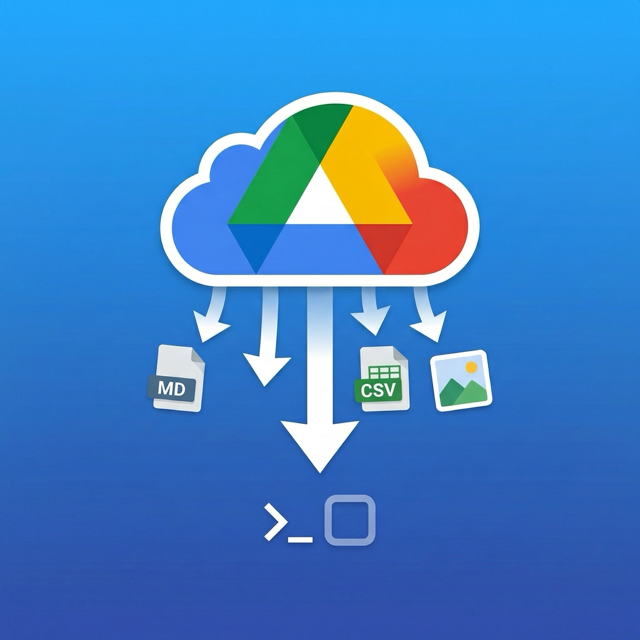
- Sync it into Markdown, Marp, or CSV.
- Re-run sync whenever the Google file changes.
What you get
- Docs and DOCX -> Markdown
- Slides and PowerPoint -> Marp-flavored Markdown
- Sheets and XLSX -> CSV or a folder of CSVs
- Each raster image asset extracted to its own local file when applicable
- A workspace-side
.gdrivesync.jsonmanifest for bindings and sync state
VS Code extension
The extension is the easiest path when you want a real sync button inside your editor. It handles Google account connection, linking the current file, import flows, sync-on-open, unlinking, and image enrichment configuration.
Connect Google Account...Link Current FileImport Google File as New Local FileSync Current FileandSync All Linked FilesConfigure Image Enrichment...
CLI
The CLI is built for agents and automation. It provides machine-readable --json envelopes,
explicit workspace targeting, auth management, export, link, status, sync, unlink, and repair tooling.
gdrivesync auth login
gdrivesync inspect <google-file-url-or-id> --json
gdrivesync export <google-file-url-or-id> ./deck.md --json
gdrivesync link <google-file-url-or-id> ./notes/spec.md --cwd ./data --json
gdrivesync sync --all --cwd ./data --json
gdrivesync doctor --cwd ./data --json --repair
Google auth and hosted picker
Desktop sign-in uses a localhost callback and does not need a hosted picker site. Picker-based selection and some shared-link recovery flows do use the hosted site on this domain.
Image enrichment
Markdown and Marp outputs can optionally enrich generic image alt text. Local OCR uses Apple Vision on macOS or Tesseract when available. Cloud image enrichment uses user-supplied OpenAI or Anthropic credentials directly from the user’s machine and is explicit opt-in.
Troubleshooting
- If a linked file has local edits, sync may pause until you confirm overwrite.
- If the wrong Google account is bound, reconnect or switch the default account.
- If the hosted picker is not configured, pasted-link flows can still work but picker flows may not.
- If the manifest is busy, another sync or CLI command is probably updating it.
Known limits
- One-way sync only
- Very large native Google Slides decks may fall back to the Google Slides API path